Does the holder accept your film or mount? And does the capture include the whole image? A manufacturer’s 126 compatibility listing answers neither question for every individual original.
Recognize the square image.
126 is a film-format name. A typical mounted 126 transparency has a square image area around 28 × 28 mm, usually inside a larger square mount. The mount’s outside size is a separate measurement.

A square image is an identification clue, not a definitive test. Other formats can also be square. Confirm the format before choosing equipment.
Check the material and holder.
Both SCANZA and the 5-inch Slide N Scan list 126 negatives and slides. The Slide N Scan documentation specifies 50 mm mounted slides; the SCANZA manual gives a tray directory for 126 film.
Measure the outside of each slide mount and note its thickness. For unmounted developed negatives, confirm the correct film adapter. A mount that fits a projector is not automatically a verified scanner fit.
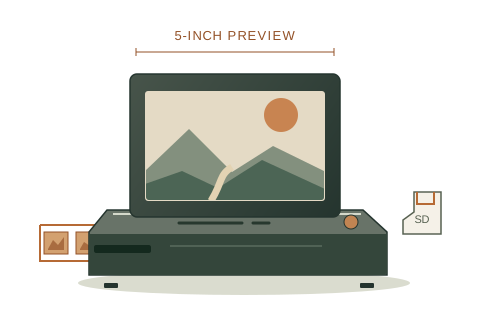
A larger preview
Kodak Slide N Scan
RODFS50 · 5-inch model
- 5-inch preview screen
- Film-strip feed with format adapters
- Save scans to an SD card
Developed film · 35mm / 110 / 126
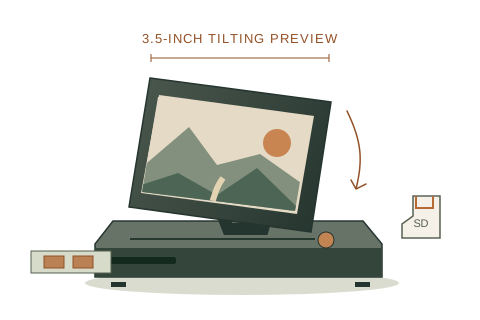
An adjustable preview
Kodak SCANZA
RODFS35
- 3.5-inch tilting screen
- Separate film trays and inserts
- Save JPEG files to an SD card
Developed film · 35mm / 110 / 126
Amazon may show a local match; confirm the exact scanner model, supported film formats, and included holders before ordering.
As an Amazon Associate we earn from qualifying purchases. These are documented candidates, without a hands-on image-quality ranking.
“Supports 126” does not mean “no cropping.”
Support can mean that a device has a 126 setting or a matching holder. It does not demonstrate how much of the original image is captured. The RODFS50 manual describes a 1:1 setting for 126, but an output aspect ratio alone is not proof of edge-to-edge coverage.
Before committing a large collection, use a representative frame with recognizable details close to all four edges. Compare the scan with the original without dismantling the mount. If full coverage matters, request a sample showing the border from a lab or ask the manufacturer about the capture area.
We have not measured the capture area of either scanner. We cannot guarantee a crop-free 126 scan, quantify edge loss, or name a winner for full-frame coverage.
Choose a workflow around the photographs.
For everyday digital sharing, a documented home-scanner option may be worth trying after you confirm the holder. For large prints, fragile originals, or edge-to-edge capture, discuss those requirements with a specialist service before buying.
Do not trim film, open a fragile mount, or force a slide into a holder to make it fit. Keep the originals, check a small first batch, and organize the files by a label or order you can trace back to the physical collection.
Sources & checks
Manufacturer documents checked October 8, 2026. Specifications may change; verify the exact model before purchase.
- Kodak: Slide N Scan format compatibilityDeveloped film types and 50 mm slide mounts.
- Slide N Scan RODFS50 user manual (PDF)English pp. 6–7: sensor and holder; pp. 8 and 12–13: developed film and loading.
- SCANZA RODFS35 user manual (PDF)Printed pp. 9–10: tray directory and slide sizes; pp. 20 and 26: interpolation and specifications.
- Kodak Digitizing: identifying mounted slidesImage openings and the distinction between film format and mount size. This publisher also sells a digitizing service.
This is document-based guidance. We have not physically tested these scanners. How we reach a recommendation.