Plan the setup before the first frame.
- Check your computer first. Match your exact operating-system version to the current Plustek support and installation information. Confirm the supplied SilverFast edition and its activation requirements with the seller, especially for a used scanner.
- Identify and load developed 35mm. Use the correct holder for negatives or mounted slides. Check mount thickness and physical fit; do not force fragile or unusual originals into it.
- Preview a few representative frames. Follow the software instructions, check orientation, framing and color, then choose your scan settings and save the files to your computer.
- Check the result before scanning the box. Inspect faces, shadows and edges at the viewing size you need. Keep the originals and a second copy of the files.
When this workflow fits.
Consider the 8200i SE for developed 35mm when you are willing to use a computer, load film holders and work through a software workflow. If you want a built-in preview screen and direct SD-card saving, the Kodak comparison covers those two standalone options.
Our finder keeps 110 and 126 out of this Plustek recommendation. An unknown format or an unusual mount needs identification or a holder check first. Paper photos and movie reels need a different workflow.
Specifications do not establish a winner.
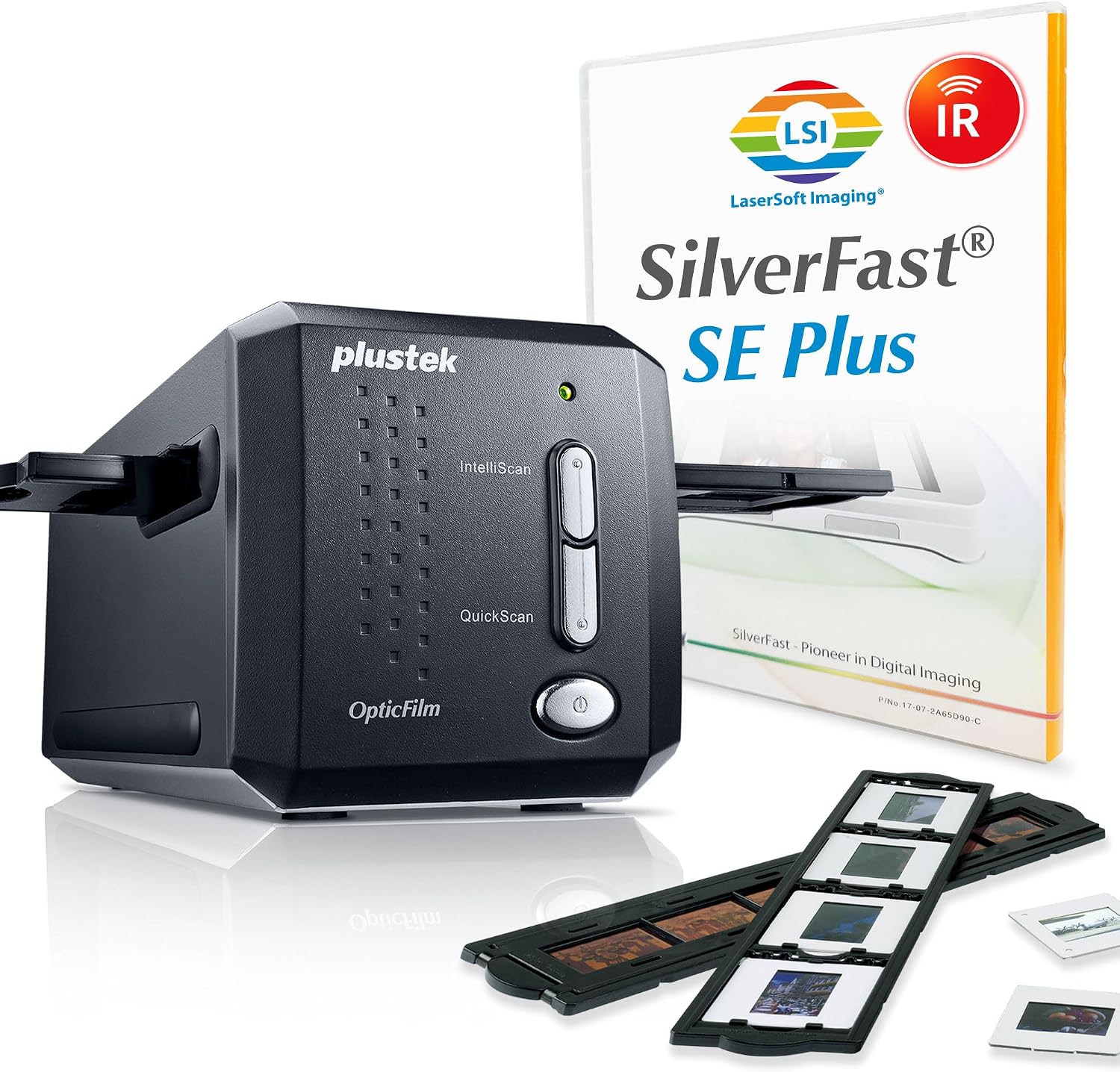
Plustek lists a maximum 7200 dpi optical setting and an infrared channel, with SilverFast SE Plus bundled. These are manufacturer specifications. They do not establish how much useful detail your particular frame will retain, the time needed for your settings, or a measured advantage over the Kodak models.
We have not physically tested this scanner. For an important large print, start with a lab sample or a representative scan that you can assess at the intended print size. Do not buy solely on a megapixel or dpi number.
Sources & checks
Manufacturer documents checked October 10, 2026. Specifications may change; verify the exact model before purchase.
- Plustek: OpticFilm 8200i SE and bundled software35mm negative film and mounted slides, SilverFast SE Plus bundle; manufacturer specifications, not our measurements. Checked October 10, 2026.
- Plustek: OpticFilm 8200i SE support and downloadsCheck drivers, installation instructions and your exact operating-system version before purchase. Checked October 10, 2026.
This is document-based guidance. We have not physically tested these scanners. How we reach a recommendation.